

Getting Started Guide

A simple guide for new users to begin your heated-tobacco journey.

What You Need

Before getting started, make sure you have the following essentials ready.

DEVICE

Your Device

Usonic / Enove / Aurr / MOK / Kungfu

TOBACCO STICKS

Compatible Sticks

Terea, NISE, Sentic, Kuanzhai

POWER

Charging Cable

USB Type-C

How to Use Your Device

Follow these simple steps to enjoy a smooth and consistent session.
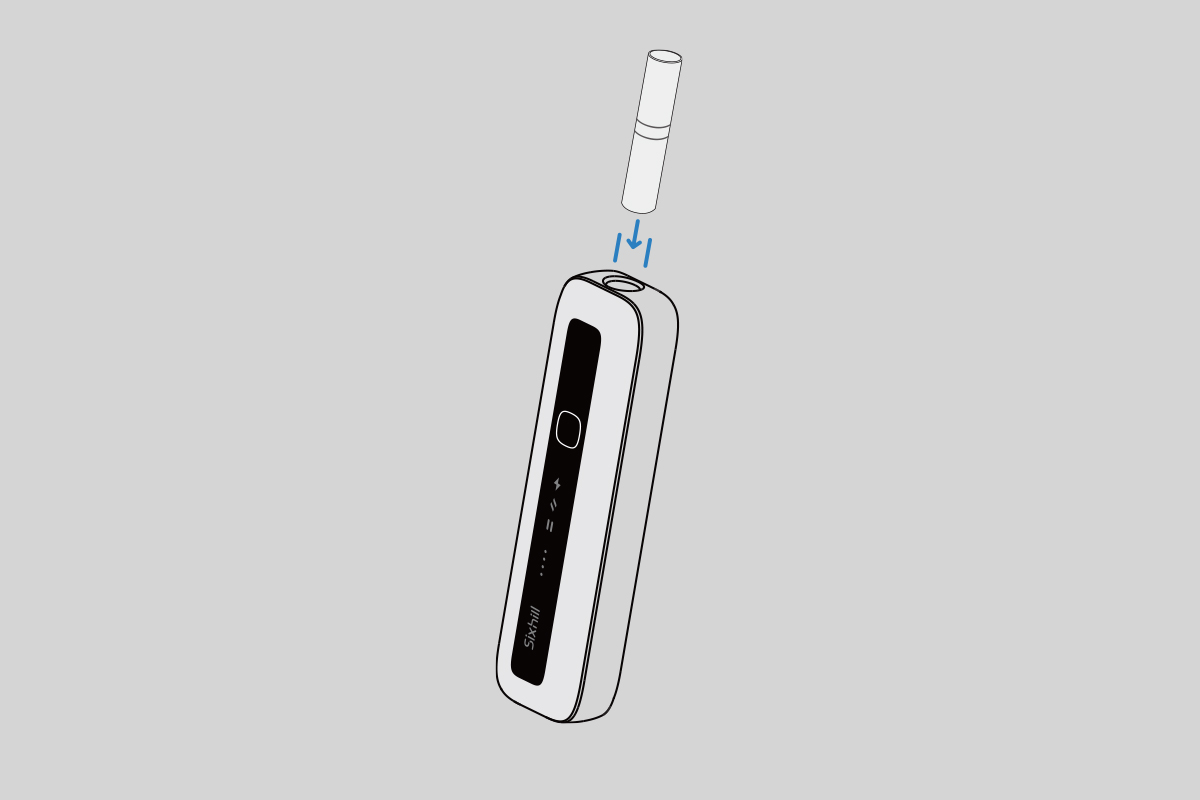
Insert the tobacco stick
01

Insert the Tobacco Stick

Gently insert the stick into the heating chamber.
Do not twist.
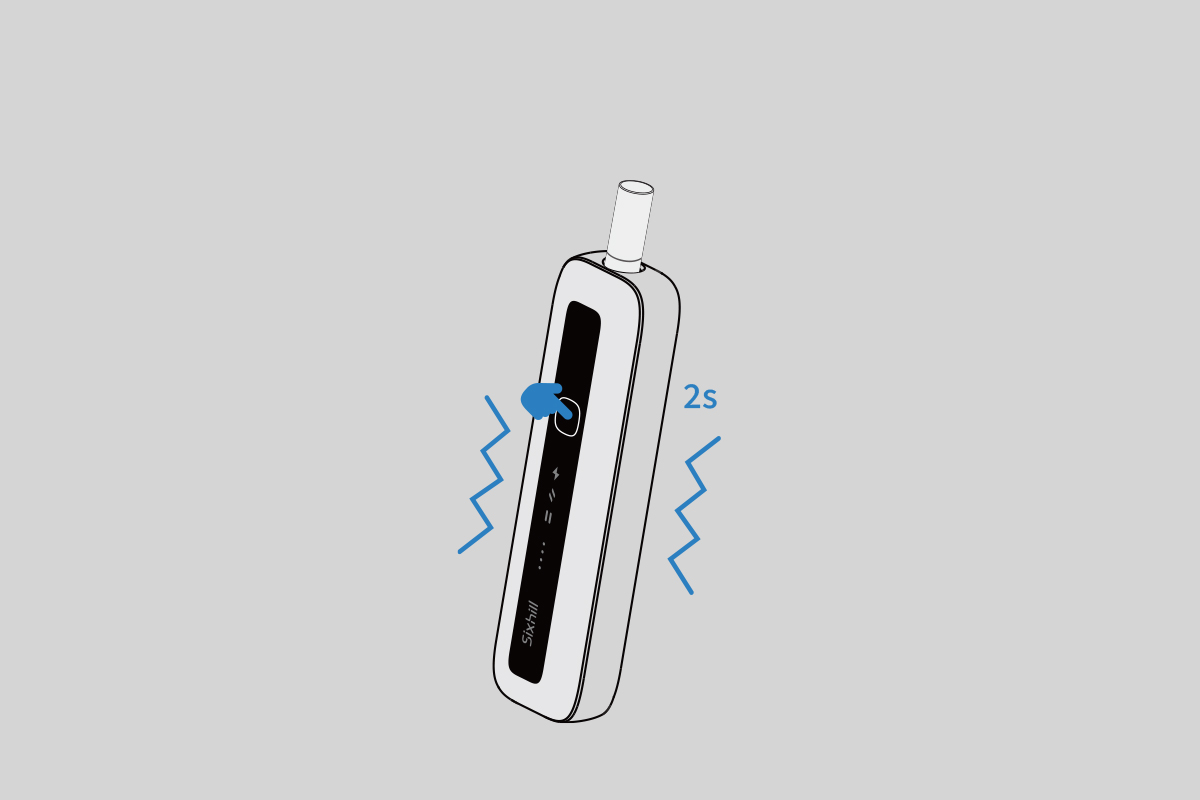
Insert the tobacco stick
02

Start Heating

Depending on the model:
• Auto-activation: heating begins when a stick is inserted.
• Button-activation: press and hold to start heating.
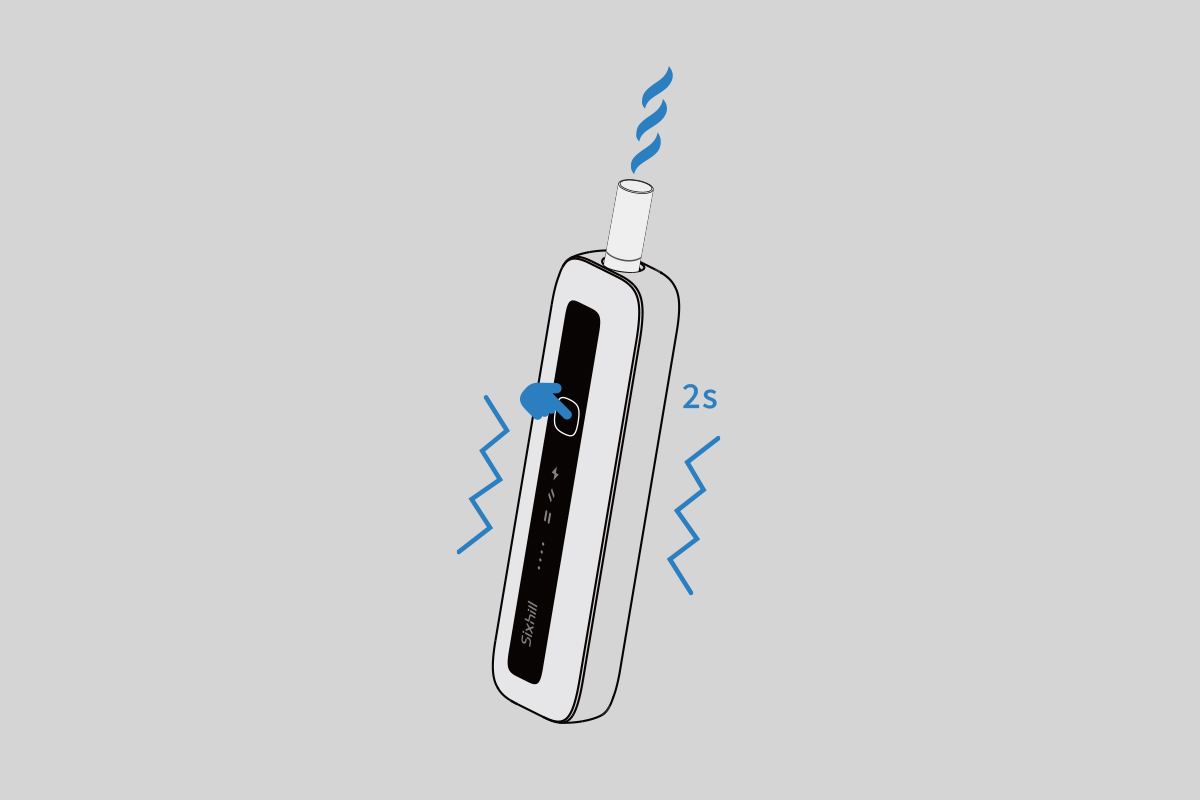
Insert the tobacco stick
03

Enjoy Your Session

Wait for the vibration/light cue → Begin your session.
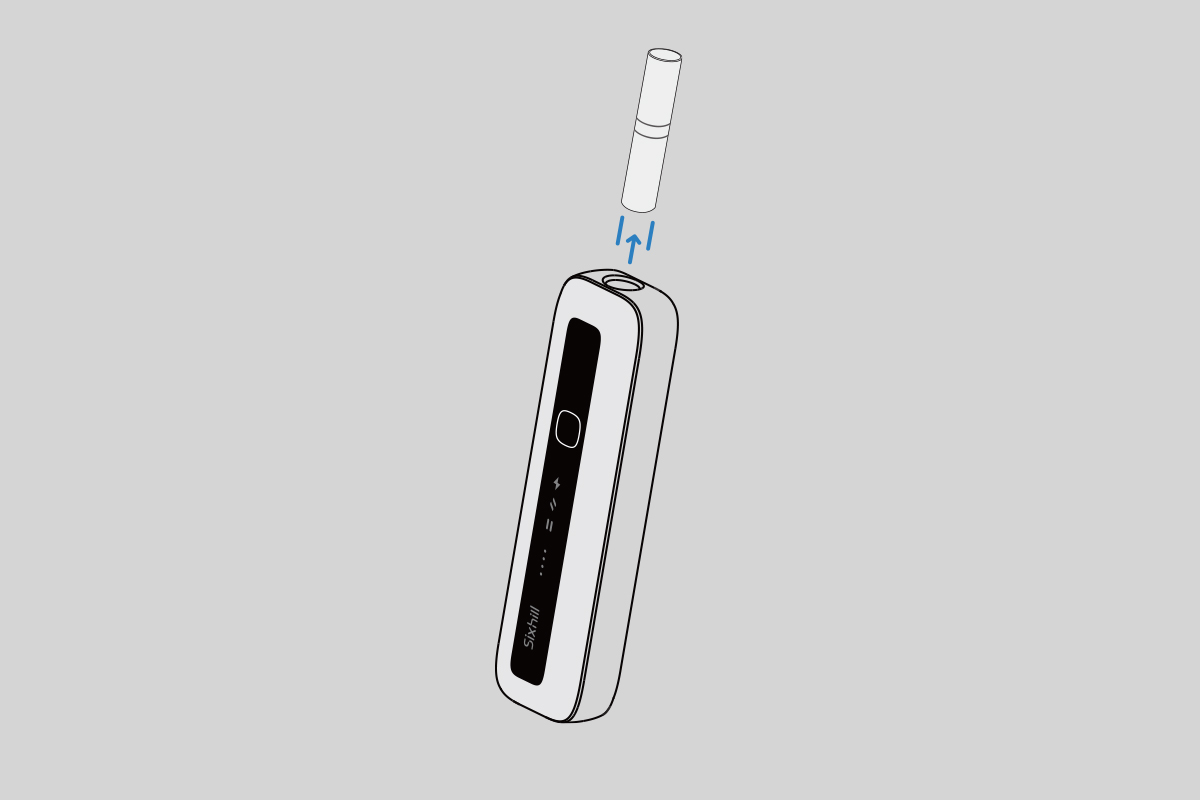
Insert the tobacco stick
04

Remove the Stick

Remove the used stick directly, or remove the top cap first depending on your device design.

Device Care & Usage Guide

Helpful information to keep your device performing at its best.

Basic Maintenance

Keep your device clean for smooth performance.

  • Wipe the stick entrance area regularly
  • Clean the heating chamber as recommended
  • Avoid moisture or liquid entering the device
  • Store in a dry, cool place

Tips for a Better Experience

Helpful habits for new users.

  • Use original, compatible tobacco sticks only
  • Allow short breaks between sessions
  • Charge with the supplied Type-C cable
  • Keep the device clean for consistent taste

Safety Notes

Important reminders.

  • For adults only
  • Do not modify or disassemble the device
  • Stop using if it overheats or shows abnormal behavior
  • Keep away from children and pets